Boards
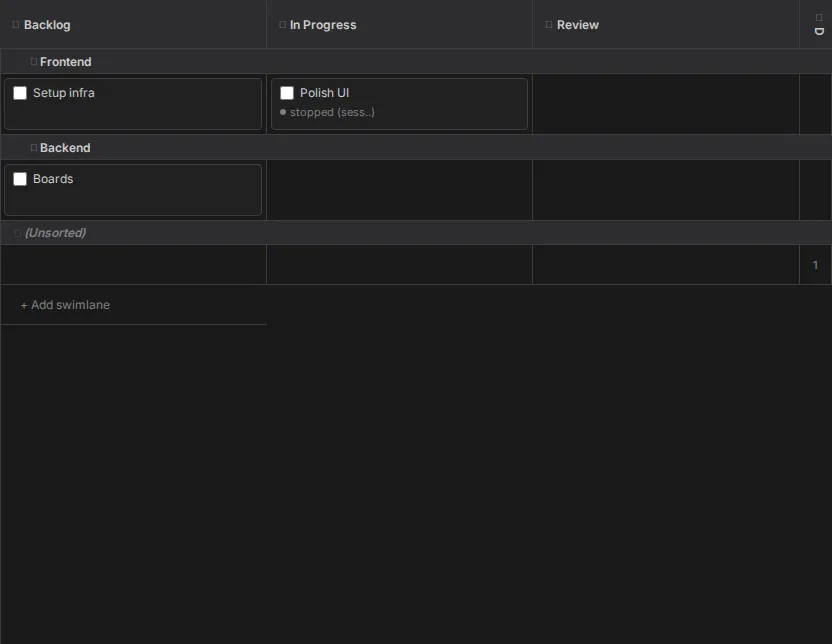
A board here is not a service you sync with. It is a board.yaml file in your repository, and the
tickets on it are markdown files next to it. Claudebox finds them, draws them as a kanban board,
and writes your changes straight back to disk - so the board is reviewable, diffable and yours.
The payoff is the last step: drag a ticket into an active column and a session starts on it.
Where a board comes from
Any board.yaml in the workspace becomes a board. Two things are derived from where it sits:
- Its id is the directory holding it, relative to the workspace root, with slashes turned into
hyphens -
planning/roadmap/board.yamlbecomesplanning-roadmap. Aboard.yamlat the workspace root isroot. That id is what appears in the URL, so a board is deep-linkable. - Its name is the board's own
name:key, falling back to the name of the directory holding it. You can rename it inline from the Boards panel, which writes the key.
A ticket's card title comes from the first # heading in its file, falling back to the filename.
Moving a ticket moves the file
Each column declares a folder. Dragging a card to another column rewrites board.yaml and
relocates the ticket file into that column's folder, under a lock, atomically. Dragging between
swimlanes reassigns the swimlane without moving anything.
You can also reorder within a cell, drop between two cards to land at that position, Ctrl-click
to multi-select and drag the whole selection, and drop onto a column header to change column while
keeping the swimlane. Terminal columns start collapsed and still accept drops.
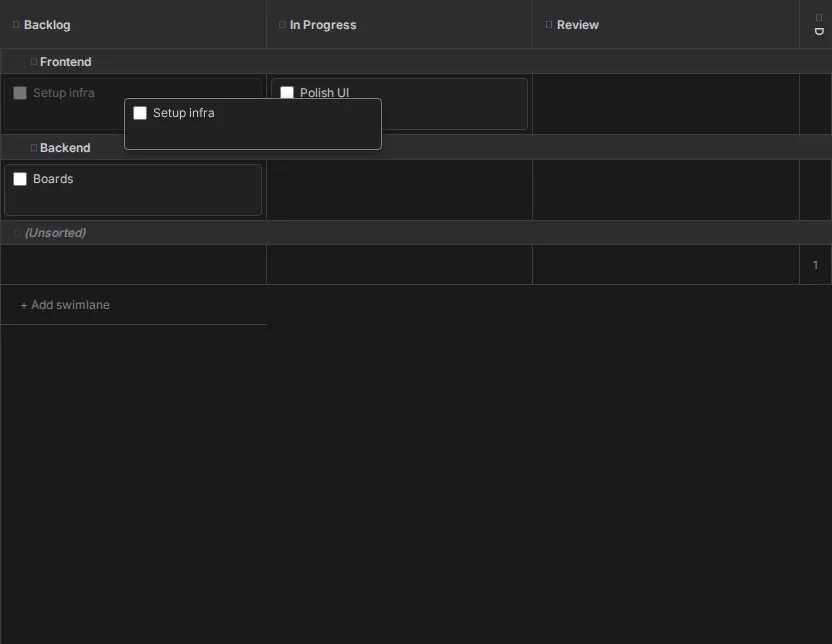
Columns and swimlanes are editable in place: rename by double-clicking a header, create swimlanes
from the button at the bottom of the board, reorder either axis by dragging or from the context
menu, delete a swimlane and its tickets fall to (Unsorted). Renaming a column changes its
display label only - folders and ticket files stay where they are.
Dropping into an active column starts work
Mark a column active in board.yaml and moving a ticket into it creates a session for that
ticket, if it does not already have one. The board's configured prompt sequence is then delivered
to that session as its opening messages, with {ticket} replaced by the ticket's path.
Move a multi-selection in and they share one session, with {ticket} expanding to the whole list.
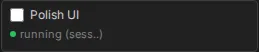
The card then shows that session's status - green while it runs - and everything stays in step across every browser tab looking at the same board.
Details
- Boards panel and ticket board - the full behavior contract
- Panels - where the Boards panel sits