Many sessions at once
Nothing here runs one agent at a time. Sessions are cheap, isolated, and can be started by you or by an agent that decides it needs help.
One container per session
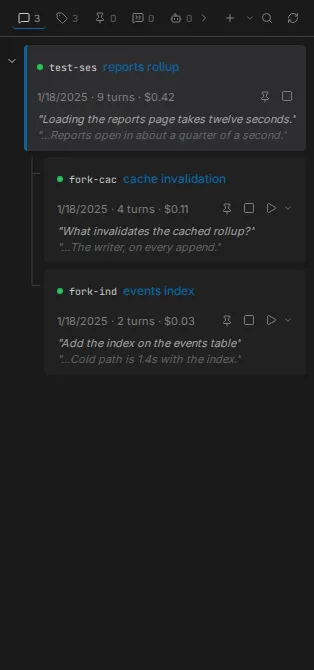
Every session gets its own container. Creating, resuming or forking a session starts one; closing the browser tab removes it. Sessions in the same workspace share the workspace directory - mounted at the same path inside the container as outside - and nothing else.
Because the container is the unit, stopping one session never touches another, and a session whose container is gone still shows its history.
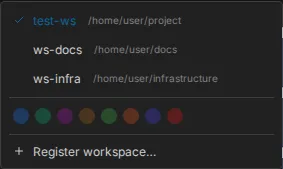
Several workspaces
Register a second workspace and the switcher starts listing them. Sessions, containers and
interface state are kept separate per workspace, and switching between them is a click.
Registering and deregistering both happen from that switcher; deregistering removes the
registration only, and leaves the .workspace marker on disk.
Every session and every board has a URL, so any of it can be bookmarked or shared, and opening a link to a session in another workspace switches workspace on the way.
An agent can start a session of its own
An agent can hand a piece of work to a second session, ask it questions, wait for the answers, and read its transcript. This works the same way in Claude and LangGraph workspaces.
What you see is an ordinary session. The moment the agent starts one, it appears as a row in the Sessions panel and as a container in the Containers panel, exactly as though you had started it. You can open it in a tab and read along, or take it over, while the session that started it keeps running.
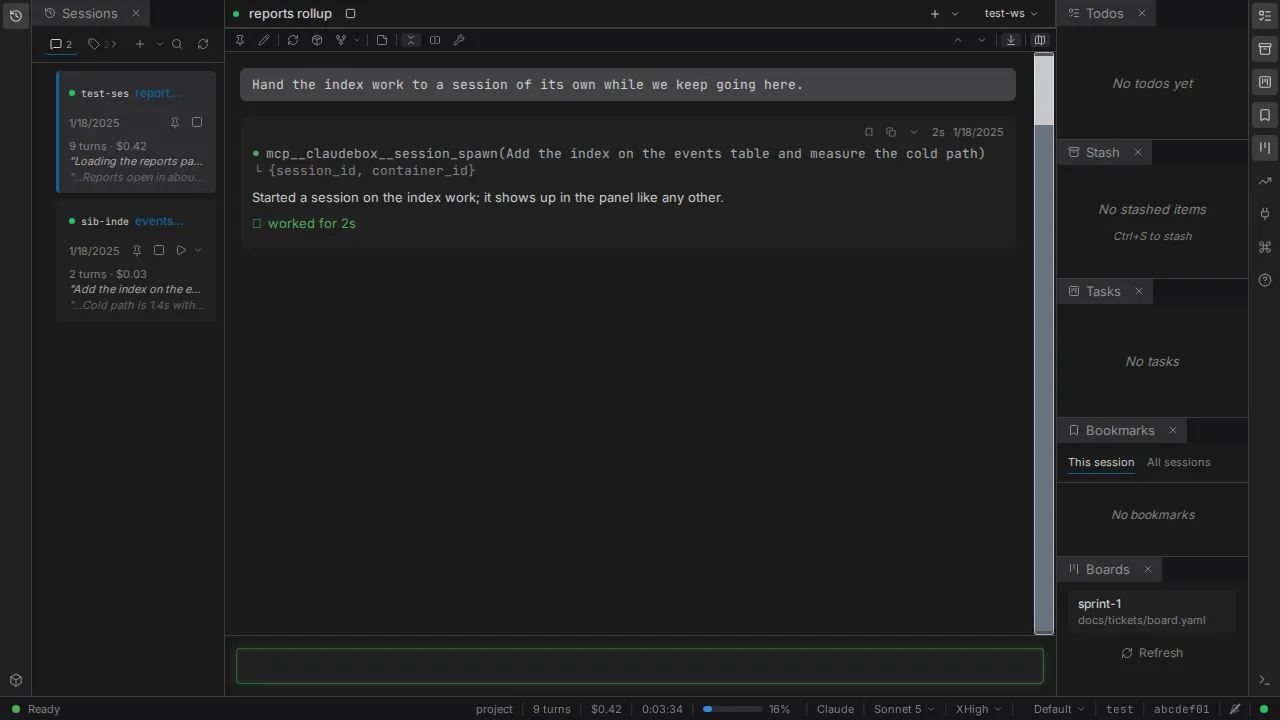
If the second session was started from inside the conversation you are reading, it also appears beside it on the session rail, so both are on screen at once.
What it cannot do is recurse without bound. Spawning is depth-capped. An agent that reaches the cap gets an error naming the cap and the depth it reached, so it stops rather than retrying. The same bound applies to LangGraph's own in-process sub-agents, which run to completion and report back as a tool result rather than becoming sessions.
Details
- Sibling sessions - the behavior contract
- Workspaces and containers
- Threads - the session rail
- Workspaces guide - markers, registration and storage