Every binding the app registers, generated from the same list the in-app Help panel draws. This
file is generated - run just docs to bring it back in step after changing a binding.
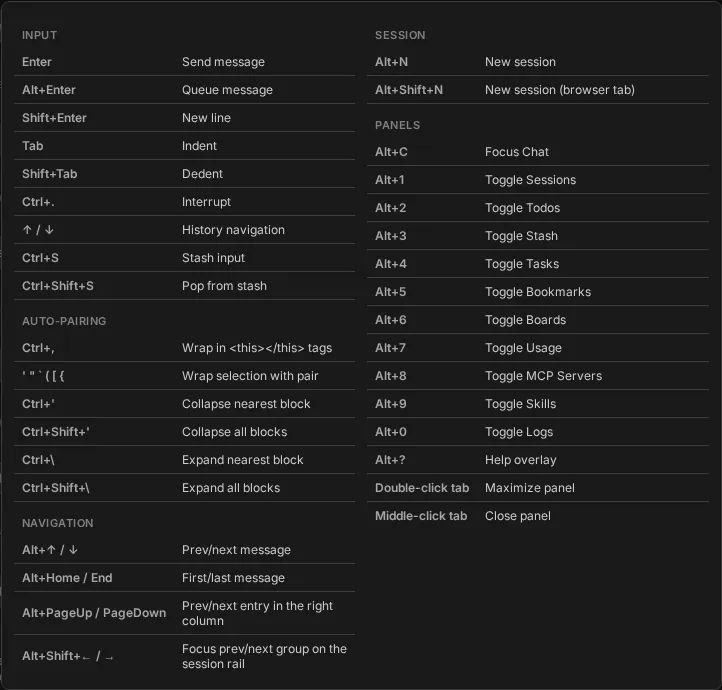
Alt+? opens that overlay over whatever you are looking at; Escape closes it.
| Shortcut | Action |
|---|
Enter | Send message |
Alt+Enter | Queue message |
Shift+Enter | New line |
Tab | Indent |
Shift+Tab | Dedent |
Ctrl+. | Interrupt |
↑ / ↓ | History navigation |
Ctrl+S | Stash input |
Ctrl+Shift+S | Pop from stash |
Auto-pairing
| Shortcut | Action |
|---|
Ctrl+, | Wrap in <this></this> tags |
' " ` ( [ { | Wrap selection with pair |
Ctrl+' | Collapse nearest block |
Ctrl+Shift+' | Collapse all blocks |
Ctrl+\ | Expand nearest block |
Ctrl+Shift+\ | Expand all blocks |
Navigation
| Shortcut | Action |
|---|
Alt+↑ / ↓ | Prev/next message |
Alt+Home / End | First/last message |
Alt+PageUp / PageDown | Prev/next entry in the right column |
Alt+Shift+← / → | Focus prev/next group on the session rail |
Session
| Shortcut | Action |
|---|
Alt+N | New session |
Alt+Shift+N | New session (browser tab) |
Panels
| Shortcut | Action |
|---|
Alt+C | Focus Chat |
Alt+1 | Toggle Sessions |
Alt+2 | Toggle Todos |
Alt+3 | Toggle Stash |
Alt+4 | Toggle Tasks |
Alt+5 | Toggle Bookmarks |
Alt+6 | Toggle Boards |
Alt+7 | Toggle Usage |
Alt+8 | Toggle MCP Servers |
Alt+9 | Toggle Skills |
Alt+0 | Toggle Logs |
Alt+? | Help overlay |
Double-click tab | Maximize panel |
Middle-click tab | Close panel |